Introduction: For SMEs in Hong Kong, e-invoices do not just turn paper into electronic files, but more importantly, they connect the issuance, sending, payment follow-up, logarithms and entries. When company orders increase and customers pay more, management can reduce duplicate entries with a suitable set of electronic invoicing systems, making it easier for colleagues to stay on top of the progress of each order while maintaining a clear record of transactions.
1. Start by placing an order; enter data just once
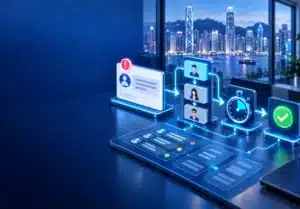
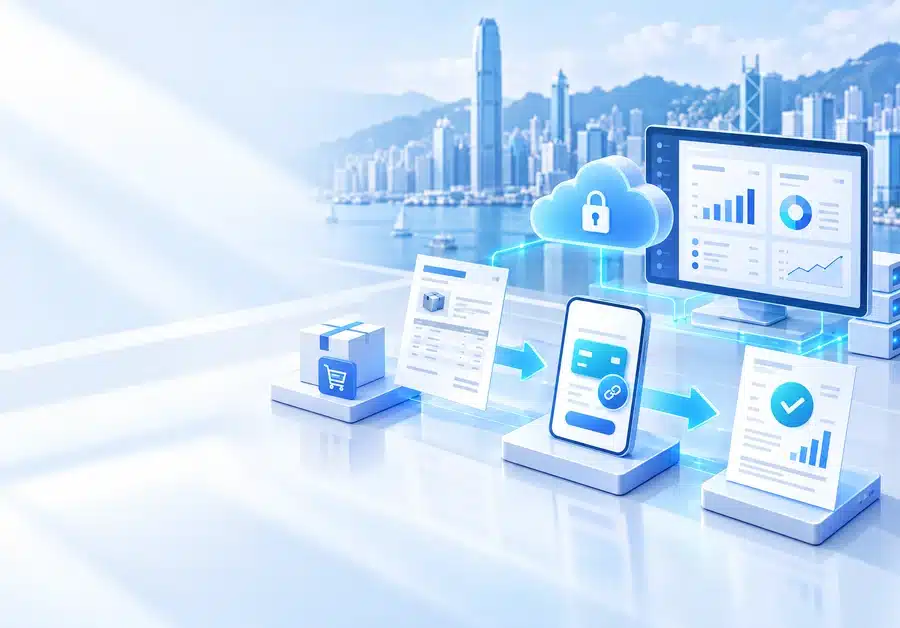
The actual process usually starts with the customer placing an order. Data can come from the company’s website, WhatsApp, APP, and orders can be created from a colleague in a CRM or ERP. After confirming the product, quantity, price, customer information and payment terms, the invoice is generated in the established format. The point is not the three words “automation”, but whether the order information can be brought to the invoice smoothly, avoiding colleagues copying item by item, reducing the chance of typing the company name, amount or item.
2. Send electronic invoices to make processing easier for customers
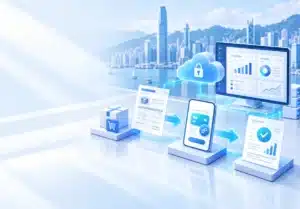
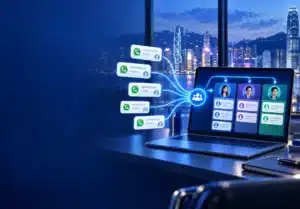
Once the invoice is completed, it can be sent via email, WhatsApp or customer portal as per the company process, and can also be accompanied by payment instructions and related documents. For management, it should be clarified which colleagues are responsible for the approval, who can issue it, and how the records of whether the customer receives it are kept. If invoices are only sent without status tracking, and then still have to be asked manually one by one, the benefits of electronicization are not fully utilized.
3. No longer relying on memory to follow up on payments
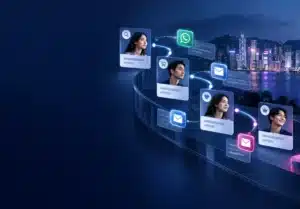
Common pain points include situations where a customer has received their order but has yet to make payment, a single customer having multiple outstanding invoices, or team members being unsure which transaction to follow up on first. A CRM system can organize records by customer, sales order, or the person in charge, while an ERP system can track payment status, incoming funds, and reconciliation processes. Furthermore, companies can configure internal reminders for staff to follow up via WhatsApp, email, or other channels. Since the tone and content of these communications remain under the company’s control, it should not be assumed that a one-size-fits-all reminder approach is suitable for every customer.
4. Maintain a traceable record from receipt of payment to account entry
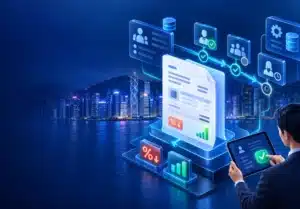
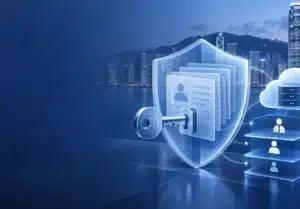
Once a customer has made a payment, the finance colleague is required to verify the amount, payment date, invoice number and bank or payment platform information before entering the account according to the company’s existing accounting processes. The right ERP integration can reduce cross-form logarithms, but the actual scheduling depends on the systems, data formats, and permission settings the company is using. AI can help classify, search or prompt abnormal information, but that doesn’t mean it can replace approval and financial judgment;management still has to retain manual reviews, especially for refunds, discounts, partial payment or dispute receipts.
5. How SMEs choose the right solution
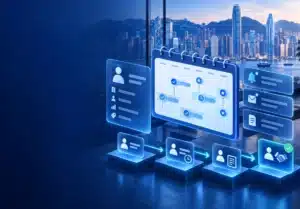
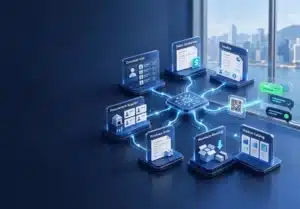
It is recommended to start the test with a complete process: placing orders on the website or WhatsApp, CRM logging of customers, ERP issuing orders, sending e-invoices, payment follow-up, and then to receipt counting and entries. Take a step-by-step review of where colleagues spend the most time each day, such as duplicate entries, unable to find old orders, missed follow-ups, or management difficulty seeing the status of receivables. Adaptive can help organize processes and evaluate the direction of integration according to the existing CRM, ERP, AI, WhatsApp, APP and website needs of the enterprise; The value of an e-invoicing system, ultimately, is that processes are clear, responsibilities are clear, and information is easily reconciled, rather than relying on an invoicing feature alone to guarantee faster collection.
Frequently Asked Questions (FAQ)
Q: Our company is not large in size, do I have to use an electronic invoicing system?
A: It doesn’t necessarily have to be a full switch right away. You can take an inventory of the invoicing, sending, payment follow-up and billing processes to see which steps go wrong or take the most time, and then introduce them step by step as needed.
Q: Can I send e-invoices using WhatsApp?
A: It can be arranged depending on company processes, customer habits and system support. It is recommended to keep sending records, invoice versions and payment information at the same time, and clearly set which colleagues are responsible for follow-up.
Q: Can electronic invoices be automatically logged and credited?
A: Some processes can reduce manual input through ERP or other integrations, but whether they apply depends on the bank, payment platform, accounting system and data format. In cases such as refunds, disputes or partial payments, manual verification is still required.
Q: Will it be complicated to import e-invoicing, do you have to replace the existing system?
A: Not necessarily. You can start by understanding existing CRM, ERP, websites, APPs and communication tools before deciding whether to integrate, adjust processes, or stage updates to avoid changing too much at once for one feature.